Maximising industrial efficiency
SWYFT functions as a service resource management tool for the industries to digitalise service processes, giving customers and service providers service data transparency.
Client
Siemens Singapore
Industrial MNC
Timeframe
~8 months
Team
1 Designer (me), 4 Dev & 2 QA (🇮🇳), 1 PjM
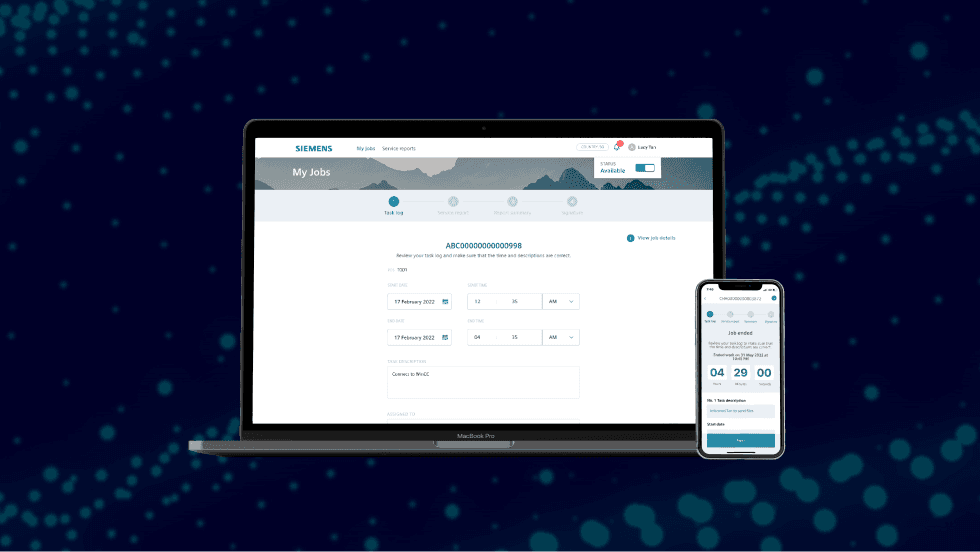
Context
While time tracking is vitally important for any field service providers, the manual time tracking and approval processes hinders frontline workers’ productivity as significant amount of time is wasted on low-value administrative tasks over and over again.
The features I design for always aligned with the mission of simplifying time tracking activities for frontline workers, reducing errors while improving accountability, efficiency and transparency.
Problem
Confusion on filling in time and work data is the recurring issue that was commonly raised by frontline workers and there’s clear indication that they need a way to ensure data is error-free.
Solution
The goal of the project was to eliminate confusion and reduce the risk of errors by automating time and work data collection.
Key metrics and targets
Volume of edits to data
Data entry frequency
Data accuracy satisfaction score
Impact
Frontline workers who tried out in the first 6 weeks reported that they saved 60min/week on administrative tasks.
My role
As part of the Digital IOT Services team, I was given the opportunity to improve and rollout new features for a legacy enterprise web/app platform that would meet changing customer preferences.
I was the sole UX designer in this team, partnering with the development team in India. I worked with cross-functional teams that included field service engineers, marketing manager, business developer, and legal.
What I did
UX research and design
Plan product roadmap
Executive presentations
Create design requirements
Documenting best practices
Fostering relationships with external party
What was I working on?
Much of what we were working on is still not yet live, and Siemens’ policy on sharing internal work is very strict. In other words, some details of my work are left out.
Process

Research insights
We conducted a comprehensive analysis of the time tracking processes.
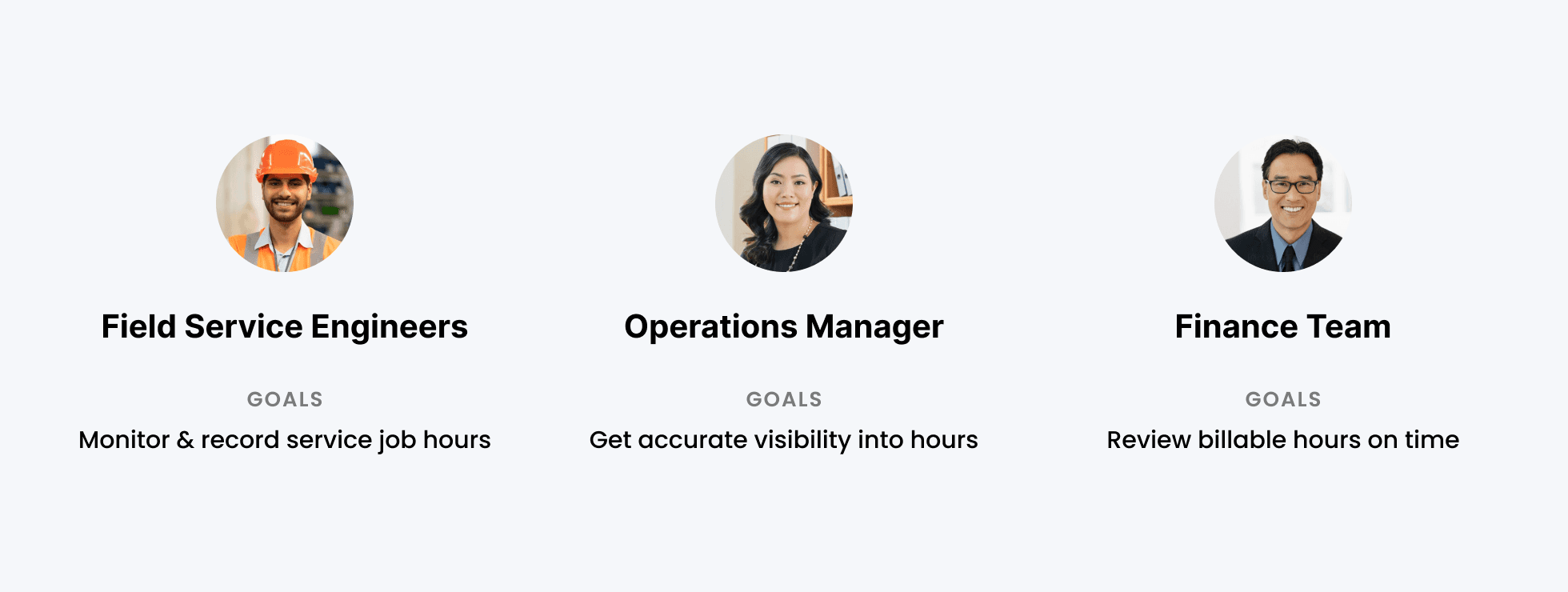
While there are many user archetypes, our findings showed a common pain point for manually reviewing data: it become tedious quickly.
User Archetypes
Design guidelines
With these findings in mind, we pinned down the high-level design principles to guide us.
Controlled flexibility: Give control of logging time on their preferred process
Automate repetitive tasks: Provide ways and relevant information that helps eliminate errors
Design concept exploration
I analysed the pros and cons of the concepts around criteria such as discoverability of time logging and implementation effort.
We quickly learned that all participants preferred Concept A due to its simplicity and ability to fill in anytime. Many users held the opinion that time should be rounded either up or down to the nearest 15 minutes.

Key takeaways
Though field engineers are resistant to change, they valued features that reduced repetitive input, highlighting the importance of designing for efficiency.